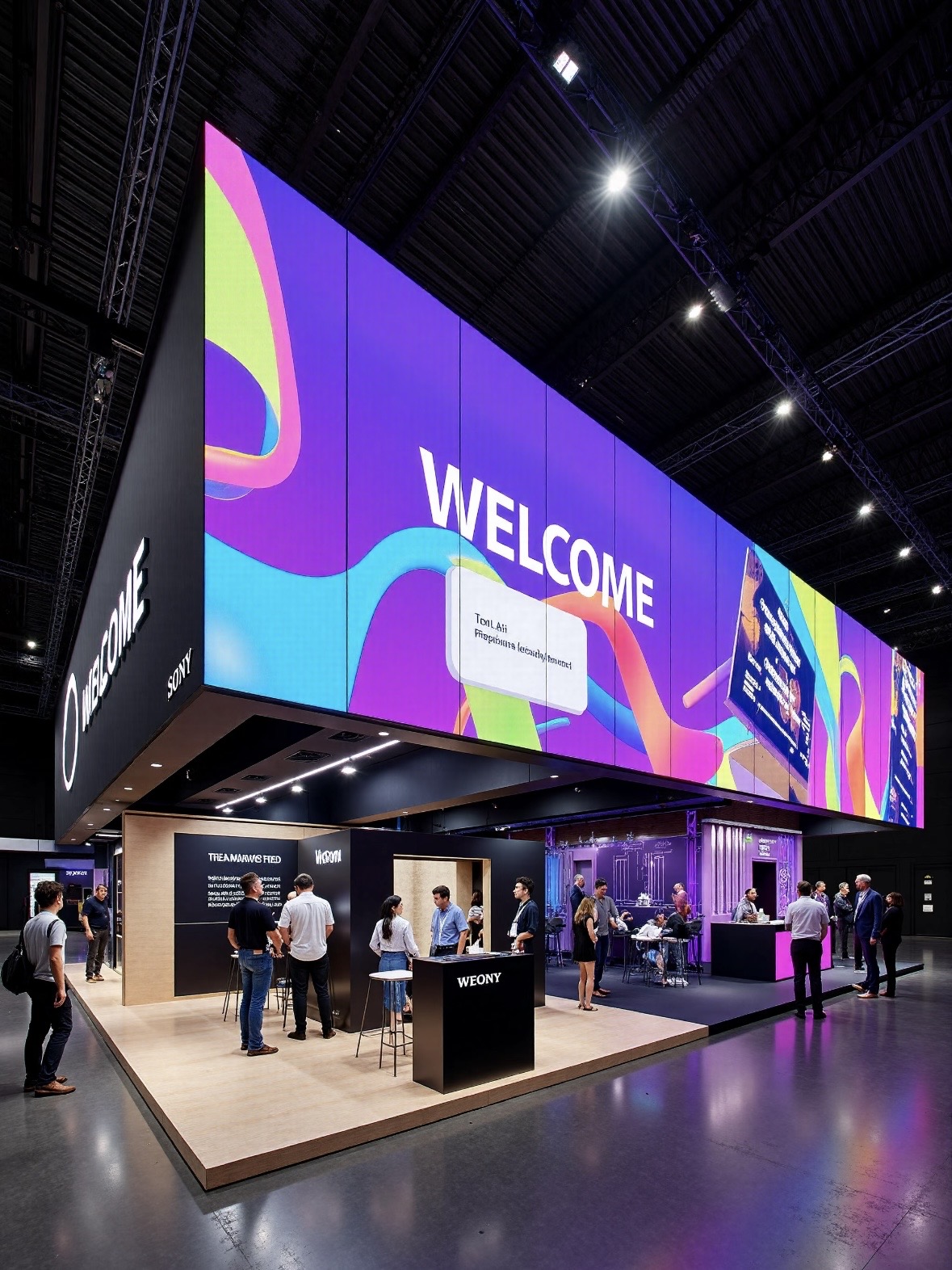
Resolution and physical size are two different things joined by one number: the pixel pitch. Pitch is the distance in millimeters from the centre of one pixel to the centre of the next. The smaller the pitch, the more pixels fit into the same area, and the higher the resolution becomes.
Buyers often know the wall size they want and the resolution they need, but not the pitch that delivers both. This guide shows how to move between the three numbers, how to pick a pitch from the viewing distance, and how to check that a chosen resolution actually matches the size before the order is placed.
The arithmetic is simple once the units are aligned. Convert the screen width and height from meters to millimeters, divide each by the pitch, and the result is the pixel count in each direction. A four-meter-wide screen at P2.5 is 1600 pixels wide, while the same width at P5 is only 800 pixels.
That single relationship explains why a large screen can look sharp or soft depending on pitch, and why the same resolution can be built at many different physical sizes. It also explains why resolution alone is never a complete specification: you must state the pitch and the size together.
Two screens of the same size and different pitch can carry the same content and look completely different, because one resolves detail the other cannot. Understanding that difference before purchase is what prevents the common complaint that a new screen looks softer than the showroom model that was two pitch grades finer.
Use three formulas in sequence. First, resolution equals physical size in millimeters divided by pitch. Second, physical size equals resolution multiplied by pitch, divided by one thousand. Third, pitch equals physical size in millimeters divided by the desired resolution.
Take a 6 by 3.375 meter wall at P2.5. Convert the width to millimeters, 6000 divided by 2.5, which gives 2400 pixels across. Convert the height, 3375 divided by 2.5, which gives 1350 pixels. The screen is 2400 by 1350 pixels, which is close to 16 by 9 and will play standard full-HD content with light scaling.
Now change only the pitch to P4 on the same wall. The width becomes 6000 divided by 4, which is 1500 pixels, and the height becomes 843 pixels. The screen still measures the same on the wall, but its native resolution has dropped by more than half, so text and fine detail will look softer from the same distance.
Cabinet count is the final check. Divide the screen width by the cabinet width and the height by the cabinet height. If the numbers are not whole, the screen cannot be built without cutting cabinets, which raises cost and complicates spares. Adjust the screen size to a whole number of cabinets before ordering.
Work in millimeters throughout to avoid unit errors, since a pitch expressed in millimeters against a size expressed in meters is the most frequent source of a wrong calculation. Convert once at the start, keep the units consistent, and the formulas stay simple enough to check by hand in a meeting.
| Pitch | 4 m Wide Screen | 6 m Wide Screen | Best Viewing Distance |
|---|---|---|---|
| P1.25 | 3200 x 1800 | 4800 x 2700 | 2 - 5 m |
| P1.86 | 2150 x 1210 | 3225 x 1815 | 3 - 7 m |
| P2.5 | 1600 x 900 | 2400 x 1350 | 4 - 10 m |
| P4 | 1000 x 562 | 1500 x 844 | 6 - 15 m |
| P6.67 | 600 x 337 | 900 x 506 | 10 - 25 m |
Screens rarely match a standard video ratio exactly, and the mismatch is where most content problems begin. A screen built to a whole number of cabinets might be 2400 by 1296 pixels, which is close to 16 by 9 but not identical. Content designed for 1920 by 1080 will be scaled, and scaling always costs some sharpness.
The cleanest solution is to author or resize content to the native resolution of the screen. Ask the supplier for the exact pixel dimensions at the design stage, and pass that figure to the content team. A media player set to the native resolution avoids the letterboxing and stretching that appear when the output is left at a default.
Where the screen is an unusual shape, such as a pillar wrap, a ribbon, or a cross, treat the shape as part of the creative rather than fighting it. Content built for the exact canvas looks intentional, while cropped video looks like an accident even when the screen is technically working.
Memory and processing scale with pixel count. A screen above roughly four megapixels needs a playback device with enough decoding power, and very wide screens may need two controllers working as one canvas. Check the pixel count against the player specification before commissioning the content.
Pixel density is the mirror image of pitch and is worth stating plainly when speaking with content teams. Density is the number of pixels per square meter, and it rises sharply as the pitch falls. P2.5 carries about 160,000 pixels per square meter, while P1.25 carries roughly four times as many, which is why fine pitch demands more processing power and more bandwidth.
Bandwidth is the limit that catches large screens, because every pixel must receive fresh data on every frame. A wide screen at high refresh can exceed the capacity of a single sending card, and the answer is to split the canvas across two controllers or to reduce the refresh rate for that content. Confirming the bandwidth budget at design time avoids a screen that cannot run its own content at full quality.
| Screen Type | Typical Resolution Range | Content Source | Note |
|---|---|---|---|
| Retail window | 1920 x 1080 to 3840 x 2160 | Full HD or 4K video | Match native pixels |
| Lobby feature wall | 2560 x 1440 to 7680 x 2160 | 4K, custom graphics | Check player bandwidth |
| Pillar wrap | Under 1000 px wide per face | Custom per-face render | Treat shape as design |
| Stadium ribbon | Very wide, low height | Dedicated ribbon feed | Often split controllers |
| Outdoor billboard | 1920 x 1080 and below | Video with large text | Fine text fails at distance |
Sometimes the resolution is fixed by the content and the screen must be designed around it. If the client insists on native 4K, the smallest buildable pitch depends on the available width. A five-meter wall at 3840 pixels across requires a pitch of about 1.3 millimeters, which is a fine-pitch indoor product.
Work out the height as well, because a 16 by 9 ratio at 3840 wide gives 2160 high. Multiply the pixel count by the pitch to confirm the physical height. If the resulting screen is taller than the space allows, either the pitch or the resolution must give, and the client should be told which one is more expensive to change.
Round to whole cabinets as the last step, and accept a slight difference from the ideal ratio. A few extra or missing pixels at the edge are invisible when the content is authored for the actual canvas, and they are far cheaper than a custom cabinet size.
Finally, sanity-check the result against the viewing distance. A screen that meets the resolution target but is viewed from too far away will not show the detail the resolution promised. Resolution is only useful when the pitch and the audience position support it.
Where a client is unsure, offer two buildable options rather than an open choice. A pair of concrete specifications, with their pixel dimensions and cabinet counts stated, is far easier to compare than an abstract range of possibilities, and it moves a stalled design conversation toward a decision that can be quoted.
Asia Vision Technology supplies LED displays across the pitch range P0.9 to P20, which spans fine-pitch indoor walls and large outdoor screens. We provide the exact cabinet dimensions and native pixel counts at the design stage, so content teams can build to the real canvas rather than guessing.
The CV-PRO indoor COB series delivers a contrast ratio of 10000:1 with refresh rates above 3840 Hz, and the D-PRO outdoor range is rated IP65 with brightness above 8000 nits and refresh above 1920 Hz. All products carry CE, FCC, and RoHS certification, ship in fifteen to twenty working days, and carry a three-year standard warranty.
For this requirement our range covers it directly: the RH-PRO fine-pitch COB (flagship, full redundancy) and the COB CV-PRO series (Ultra-HD fine pitch).