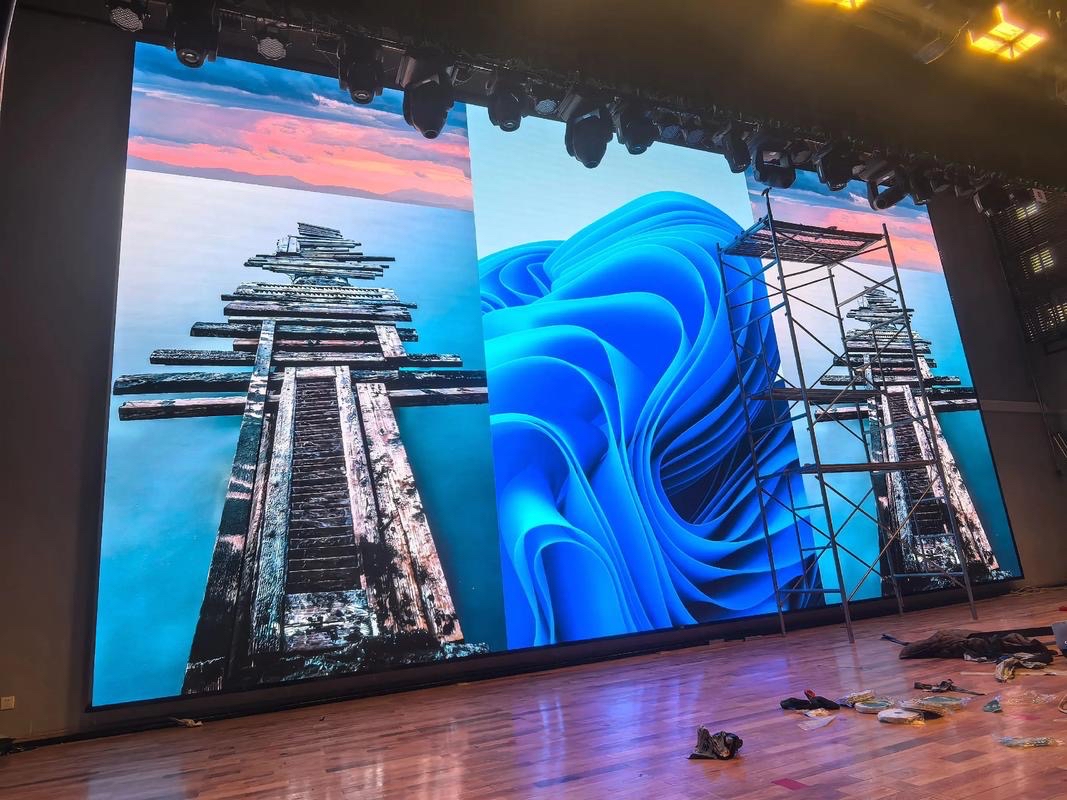
Banks, brokerages, and currency exchange offices live on numbers that move every second. A financial LED display turns those numbers into a public, always-on channel: exchange rates, index levels, interest rates, and queue status that customers can read from across a lobby.
Printed rate boards cannot keep up. Rates change through the trading day, and a laminated board is stale the moment it is posted. An LED ticker updates from a data feed in real time, which removes the daily ritual of reprinting and rehanging signs across every branch.
Financial spaces also demand trust. A screen that flickers, bands, or shows a wrong rate undermines confidence more than no screen at all. That is why reliability, refresh rate, and data integrity matter more in a bank branch than in most retail environments.
This guide covers where LED displays fit in a branch or trading floor, how to choose pitch and refresh for rate tickers, and how to handle the compliance and data questions that come with displaying financial information in public.
The audience is also unusually broad. A customer checking a mortgage rate, a teller watching queue numbers, and a trader monitoring index futures may all look at screens in the same building, but each needs different content, different resolution, and different update speeds.
Regulatory pressure reinforces the trend. Branches are expected to display terms, fees, and effective dates clearly, and a screen that updates the disclosure alongside the rate makes compliance simpler than reprinting boards whenever a term changes. Auditable content logs, which record who published what and when, are now a common requirement in bank tenders and in internal reviews. A display that supports this from the start saves months of manual record keeping later.
The outdoor or window ticker is the most recognizable financial display. Mounted above an entrance or behind glass, it scrolls exchange rates and index levels in large characters that passers-by can read at a glance. These units are often long and shallow, so they use narrow cabinets arranged in a single or double row.
Inside the branch, the queue board replaces the paper ticket display. It shows the current number, the counter, and the waiting list, and it must be legible from every seat in the waiting area. Because the content changes constantly and viewers sit still for minutes, clarity beats size.
The rate wall behind the counter is a medium-resolution panel that shows currency pairs or product rates in a fixed grid. Precision matters here: a digit that is half a pixel wide looks like an error, so font size relative to pitch is planned deliberately.
Trading floors and dealing rooms use larger video walls. These combine market data feeds, charts, and news broadcasts, and they are viewed continuously by professionals who scan for anomalies. High refresh and accurate grayscale keep fast-moving charts free of flicker and banding.
Digital signage in the lobby and self-service area completes the set, covering product promotions, branch information, and security messages on screens that share the same network and scheduling platform as the rest of the branch.
Vault and safe-deposit areas occasionally use a display for camera feeds and access status, though this is a security application rather than a customer-facing one and is specified by the physical security team rather than by marketing. The technical requirement is the same: high reliability, low latency, and no path from the screen back into the core transaction network. Treating it as a separate system keeps the audit boundary clean.
| Location | Content | Suggested Pitch | Refresh | Note |
|---|---|---|---|---|
| Outdoor ticker above entrance | Exchange rates, index levels | P6 - P10 | 1920Hz or higher | IP65 housing, high brightness |
| In-branch queue board | Ticket number, counter, waiting list | P3.9 - P6 | 1920Hz or higher | Legible from every seat |
| Counter rate wall | Currency pairs, product rates | P1.9 - P2.6 | 3840Hz or higher | Exact digit shapes, no banding |
| Trading floor video wall | Charts, market data, news | P1.2 - P1.9 | 3840Hz or higher | Seamless, color calibrated, low latency |
| Lobby digital signage | Promotions, branch notices | P2.6 - P3.9 | 1920Hz or higher | Scheduled playback, quiet brightness |
Refresh rate is the number of times per second the panel redraws. On camera or under the human eye in motion, a low-refresh screen produces horizontal bands and flicker. For financial content that scrolls continuously, a refresh of 3840Hz or higher keeps fast text stable.
Indoor panels from a quality supplier are rated at 3840Hz and above, while outdoor cabinets commonly run at 1920Hz or higher, which is sufficient for the slower scroll speeds used on street-facing tickers.
Grayscale processing matters as much as refresh. Rate values are often shown as white or colored digits on a dark background, and low bit-depth processing makes the edges of each digit crawl. A 14-bit or higher driver chip keeps the digits crisp and the colors stable through the trading day.
Viewing distance sets the pitch. A queue board seen from eight meters is comfortable at P3.9 to P6, while a counter rate wall seen from three meters needs P1.9 to P2.6 to keep small digits readable without visible pixel gaps between characters.
Ambient light completes the picture. A branch interior at typical office lighting needs only 800 to 1500 nits, while a glass-front window ticker facing the sun needs 5000 nits or more to stay readable in direct daylight.
Latency is the last variable. A rate that reaches the screen a second late is still useful for a customer at the counter, but a trading floor watching live index levels needs the signal path to be as short as possible. Keeping the media player close to the data source and avoiding unnecessary transcoding keeps the displayed number aligned with the feed. Testing the end-to-end delay before go-live is the only way to know whether the wall is genuinely live.
| Closest Viewer | Suggested Pitch | Typical Financial Use |
|---|---|---|
| 1 - 2 m | P0.9 - P1.5 | Private banking lounge, advisor desk |
| 2 - 4 m | P1.9 - P2.6 | Counter rate wall, product display |
| 4 - 8 m | P2.6 - P3.9 | Branch signage, self-service area |
| 8 - 15 m | P3.9 - P6 | Queue board, lobby wall |
| 15 m and beyond | P6 - P10 | Outdoor ticker, street-facing facade |
Financial content is regulated, so the display system has to respect the same rules as any other customer-facing communication. Rate data must come from an approved source, and the screen must carry the required disclaimers, effective dates, and terms alongside the figures.
Data security shapes the network design. The display is usually placed on a separate VLAN from core banking systems, with a one-way data feed that pushes numbers to the screen but gives the screen no path back into the transaction network. That isolation is a requirement, not a preference.
Content approval should be role-based. A branch manager may be allowed to schedule promotional content, while rate data comes from a locked feed that no local user can edit. An audit log records who changed what and when, which satisfies both internal control and external review.
Uptime planning matters because a blank rate screen in a trading room is a real operational risk. Redundant sending cards, spare power supplies, and a tested failover path keep the wall live even when a single component fails during a session.
Finally, plan the physical installation around security. Control cabinets should sit in a locked room, and any accessible port should be disabled, because the screen network is part of the institution's security perimeter whether or not it holds customer data.
Finally, document the system. A simple as-built record listing the data source, the network segment, the approved content templates, and the maintenance contacts turns a display from a mystery appliance into a manageable asset. When the branch is refreshed years later, that record is what lets a new team bring the screen back online without re-inventing the whole design. It also shortens every future audit, because the control evidence is already written down.
Asia Vision Technology supplies indoor COB and outdoor IP65 LED displays across the pitch range P0.9 to P20, with CE, FCC, and RoHS certification, and provides the high refresh panels that financial content demands.
For banks and trading floors we help plan the data path, the viewing geometry, and the redundancy that keeps a rate wall live. Orders ship in 15 to 20 working days with a 3-year warranty and spare-parts support.
For this requirement our range covers it directly: the RH-PRO fine-pitch COB (flagship, full redundancy) and the COB CV-PRO series (Ultra-HD fine pitch).