By David
Choosing an LED display driver IC comes down to five questions: what scan mode it supports, how tightly it holds current across channels, how many gray-scale bits it produces at low brightness, how it handles heat, and whether the factory will name the exact part in writing. You do not need to design the chip — you need to state the outcome your screen must achieve and hold the supplier to a named, verifiable part. This guide explains what the driver decides, where a “high-refresh” claim is real engineering and where it is marketing, and how to test a driver before you pay.
The driver IC decides five visible outcomes: the highest refresh rate the screen can reach, how many gray-scale steps it can show, how rows are scanned, how clean the darkest tones look, and how much heat the cabinet produces. Each of these is fixed by the chip, not by the controller or the brochure.
A module is a grid of thousands of LEDs. The driver supplies constant current to each one and switches the rows on and off so fast that the eye sees a complete, steady image instead of a flicker. Buyers rarely see this chip, yet it quietly sets the ceiling on quality.
Because the driver sets those limits, two screens with identical pixel pitch, identical brightness and identical cabinets can look the same in a showroom and behave very differently in service. The cheaper build saves the factory a small amount per cabinet and costs the buyer smoother dimming, cleaner camera footage and colour consistency years later.
| What the driver decides | What it means in practice | Who feels it most |
|---|---|---|
| Refresh ceiling | The fastest the screen can redraw without flicker | Broadcast, rental, any filmed screen |
| Gray-scale depth | How many brightness steps, especially in shadows | Museums, film, close-view indoor |
| Scan mode | How rows are addressed (industry-common 1/8, 1/16, 1/32 — verify for your module) | Fine-pitch and high-density COB |
| Low-gray accuracy | How smooth dark content looks | Any dark scene, camera work |
| Thermal stability | Heat generated and drift over long hours | Outdoor and 24/7 screens |
| Current accuracy | Even brightness across channels and modules | Retail, auditorium, white content |
Refresh rate, gray scale and scan mode are not independent settings. Raising one costs headroom on the others, and the driver sets the ceiling for all three. A factory that promises a very high refresh number should also be able to state the gray-scale depth and scan mode at which it is achieved.
Scan mode describes how many rows the driver turns on together. Industry-common ratios include 1/8, 1/16 and 1/32 scan; higher ratios allow denser pixel pitch but leave each row lit for less time, so the driver must switch faster and the cabinet must shed more heat. A fast panel paired with a slow driver simply flickers.
Refresh and gray scale pull against each other for the same reason. Pushing refresh very high shortens the window available for fine brightness steps, so a screen can redraw quickly yet render shadows badly. Our guides to the LED display refresh rate and gray scale explain how the two interact on a real screen.
Constant-current drivers regulate the current flowing to each LED, so brightness stays stable as voltage and temperature drift; constant-voltage designs are simpler and cheaper but let brightness wander with conditions. Professional LED screens almost always use the constant-current approach, and the chip's accuracy figure is what a buyer should ask for.
Current accuracy comes in two parts. Channel-to-channel accuracy describes evenness within one driver; chip-to-chip accuracy describes consistency between drivers. Tight figures mean a wall looks uniform; loose figures mean visible patchiness that calibration struggles to correct.
Efficiency is the other half of the story. Every unit of current a driver wastes becomes heat inside the cabinet, which shortens LED life and forces more cooling. On a large outdoor wall that runs all day, an efficient driver lowers both the energy bill and the failure rate, as covered on our COB outdoor series page.
Built-in drivers sit on the module and simplify wiring; external drivers sit on a separate board and are easier to replace individually. Common-cathode designs share the cathode rail and can cut power use and heat against common-anode designs. These choices change service cost as much as they change power.
Architecture is a buyer concern because it decides both running cost and repair cost. A module that lets a technician swap a single driver board without pulling the cabinet is far cheaper to keep alive than a sealed unit, and on a 24/7 wall that difference compounds over years.
| Architecture choice | How it works | What it means for the buyer |
|---|---|---|
| Constant current | Regulates current to each LED | Stable brightness; ask for accuracy figures |
| Constant voltage | Regulates voltage across the LED | Cheaper, drifts with temperature and age |
| Built-in driver | Chip mounted on the module | Simpler wiring, harder single-chip service |
| External driver | Chip on a separate driver board | Easier replacement, more connections |
| Common cathode | LEDs share a cathode rail | Lower power and heat on large walls |
| Common anode | LEDs share an anode rail | Mature and common, can draw more power |
Ask the factory to state which architecture the quoted screen uses, and why it suits your project. A supplier who can explain the trade-off is engineering a screen; one who cannot is selling a commodity.
“High refresh” is a real spec and a common marketing line at once. The figure matters only if the driver can sustain it and your application can perceive it. A screen watched by the eye alone hides a modest refresh; a screen filmed by a camera turns flicker into rolling bars.
The honest test is not the number on a datasheet but whether the driver holds flicker-free output at the brightness and shutter speed your camera uses. A controller can request any refresh it likes; the driver is the physical limit, so a datasheet figure measured on one chip cannot be assumed for a screen built with a cheaper one.
For camera-critical work, our refresh rate guide sets out how to test a screen on film rather than trusting a headline number.
Broadcast studios, virtual production, sports replay, and rental and touring stages genuinely need a high-refresh driver, because cameras capture the screen and expose flicker the eye cannot see. Fixed indoor signage, meeting-room displays and most advertising screens do not need the top refresh tier, and paying for it buys nothing visible.
| Application | Needs high refresh? | Why |
|---|---|---|
| Broadcast / TV studio | Yes | Cameras capture flicker and banding |
| Virtual production / XR | Yes | Camera and LED wall interact frame by frame |
| Rental / touring stage | Yes | Filmed, fast motion, mixed with cameras |
| Sports arena replay | Yes | Slow-motion and broadcast cameras |
| Corporate / meeting room | No | Human viewing only |
| Retail / mall signage | Rarely | Seen by eye, seldom filmed |
| Fixed outdoor advertising | Usually no | Long viewing distance, no camera |
| Fine-pitch COB close view | Depends | Driven by camera use, not pitch alone |
Rental and broadcast screens are commonly quoted with refresh figures in the low thousands of hertz; treat any figure as a starting point and confirm it with your own camera test rather than a brochure claim.
The pattern is simple: if a camera will ever film the screen professionally, refresh matters; if only people will look at it, a well-built screen at a moderate refresh serves you better for the same budget.
At low brightness the eye is most sensitive to steps, so the cheapest drivers look fine in a bright showroom and band badly in a dark scene. Low-gray performance depends on the driver's timing resolution and its ability to hold very small currents precisely — not on the headline gray-scale bit count alone.
A driver with limited resolution forces the processor to fake the missing steps with dithering, which can look noisy across large flat areas of colour. That is why a high refresh figure on a poor driver often disappoints: the screen redraws quickly but cannot render subtle tones.
Test this before you buy by viewing a dark gradient on the actual screen at the brightness your project will use. Our gray-scale guide shows what to look for, and the fine-pitch COB CV-PRO series is built for buyers who care about how shadows look up close.
Verification rests on four things: a datasheet with current-accuracy figures, a camera test at your production shutter speed, a low-gray gradient viewed on the real screen, and a traceable chip source you can check on the delivered board. A supplier who resists any of these four reveals as much as one who answers well.
| What to verify | What it proves | How to test it |
|---|---|---|
| Exact part and maker in writing | No quiet substitution later | Require it in the purchase order |
| Current-accuracy figures | Even brightness across modules | Read them from the datasheet |
| Camera performance | Refresh and scan under film | Record at production shutter speed |
| Low-gray gradient | Smooth dark tones | View a dark ramp on site |
| White uniformity | Channel-to-channel accuracy | Measure a grid of points |
| Thermal behaviour | Efficiency and cabinet cooling | Measure cabinet temperature after warm-up |
| Chip traceability | Original part, not a substitute | Read the part number on delivered boards |
Ask the supplier to record these results and date them, then store the evidence with the order. Verification is cheap before shipping and expensive after installation.
Swapping the driver after a batch is built changes the current accuracy and gray-scale behaviour of that batch, which surfaces as colour shift, gray-scale stepping, and compatibility problems with modules already made. The buyer's protection is a written clause: any substitution needs approval and a repeated acceptance test.
Colour shift appears because a different chip holds current at a slightly different level, so a new batch no longer matches the old one on a white field. Gray-scale stepping appears because the new chip resolves dim levels differently. Compatibility problems appear when the replacement driver speaks a different interface to the controller.
Verify the driver on the delivered modules before installation. A technician can read the part number on the board in minutes, and that single check catches a substitution while the remedy is still simple and cheap.
Before you ask for a price, ask the driver questions that make quotes comparable: the exact part and maker, the scan mode, the gray-scale bits, the current accuracy, the supported refresh, and the substitution and spare-parts policy. The table below is the checklist to send with your request for quotation.
| Question to ask | Why it matters | What a good answer looks like |
|---|---|---|
| What is the exact driver part and maker? | Comparability and traceability | Named in the quotation and PO |
| Which scan mode is used? | Matches pitch, brightness and power | Matched to the module and explained |
| How many gray-scale bits per channel? | Dark-scene smoothness | Stated with a low-gray test |
| What is the channel and chip current accuracy? | Uniform brightness | Documented accuracy figures |
| What refresh can the driver sustain in practice? | Camera work | Demonstrated on camera, not just a datasheet |
| What is the substitution policy? | Protects the build you approved | Written approval required |
| Are spare driver boards quoted? | Service without a long outage | Offered with the original order |
| Is the part second-sourced long term? | Support across a long project | Confirmed production life and a second source |
A factory that cannot name its driver chips is making a cost decision on your behalf. Naming them costs nothing and protects both sides, so a vague answer is itself useful information during supplier evaluation.
Match the driver to the outcome your project needs rather than to a single spec number. Broadcast and rental prioritise scan rate and refresh, museums and film prioritise gray scale and accuracy, while outdoor and 24/7 screens prioritise efficiency and thermal stability.
| Application | Driver priority | Why |
|---|---|---|
| Broadcast / studio | Scan rate and refresh | Camera capture of fast content |
| Virtual production / XR | Refresh and low-gray | Camera and wall interact frame by frame |
| Rental / touring | Refresh and heat handling | Moving, filmed, varied venues |
| Museum / gallery | Gray scale and current accuracy | Subtle tones viewed up close |
| Retail / storefront | Uniformity and colour stability | Brand colour on even panels |
| Outdoor advertising | Efficiency and thermal stability | Sun, heat and long hours |
| Corporate / indoor fixed | Accuracy and value | Human viewing on a budget |
Stating the priority lets the supplier choose a driver that fits rather than defaulting to the cheapest part that meets the pixel pitch. Two screens with the same pitch can carry very different chips, and the chip decides which one suits your room.
Our indoor COB Z series, outdoor E-PRO series and versatile product range are specified by application, so the driver profile matches the job.
Drivers are consumables on a long project, so plan for them the way you plan for spare modules: buy a small stock with the main order, confirm the part stays in production, and check that a failed chip can be replaced without scrapping the cabinet.
A wall that runs for ten years will need replacement chips. A part that leaves production in three years leaves the wall unsupported, so ask how long the driver will stay available and whether a compatible second source exists. A handful of spare boards costs little next to a dark section waiting weeks for a part from overseas.
Asia Vision runs twelve COB production lines across SMD, GOB and COB, with COB P0.93 in mass production, in-house cabinet customisation, aging tests and export QC. Every screen ships with a two-year warranty and 24-hour support, so driver spares and service are planned from the first order. See how we build on the factory page or talk to our team.
A driver datasheet lists channel count, current range, accuracy, scan support and interface type, but only a few figures change the finished screen: channel-to-channel current accuracy and the maximum scan rate. A datasheet that omits accuracy figures deserves closer questioning rather than the benefit of the doubt.
Ask the supplier to translate the datasheet into project outcomes. A scan-rate figure becomes a refresh number on their screen; an accuracy figure becomes a uniformity result. When the supplier can make those links, you are dealing with an engineering team; when they cannot, the chip is being sold as a commodity.
This is the difference between a screen that meets its specification on day one and one that still matches it in year five, which is the standard we apply across the Asia Vision product range.
Add the driver to your specification as a line item — part, maker, scan mode, current accuracy, gray-scale bits and supported refresh — and require written approval for any change. That one step is what separates the screen you tested from whatever the factory chooses after you sign.
Driver ICs are invisible in the final product, yet they decide how it performs every day. Buyers who name the driver in the contract get the screen they approved; buyers who leave it unspecified get the factory's cost decision. For help writing the driver line into your specification, contact our engineers.
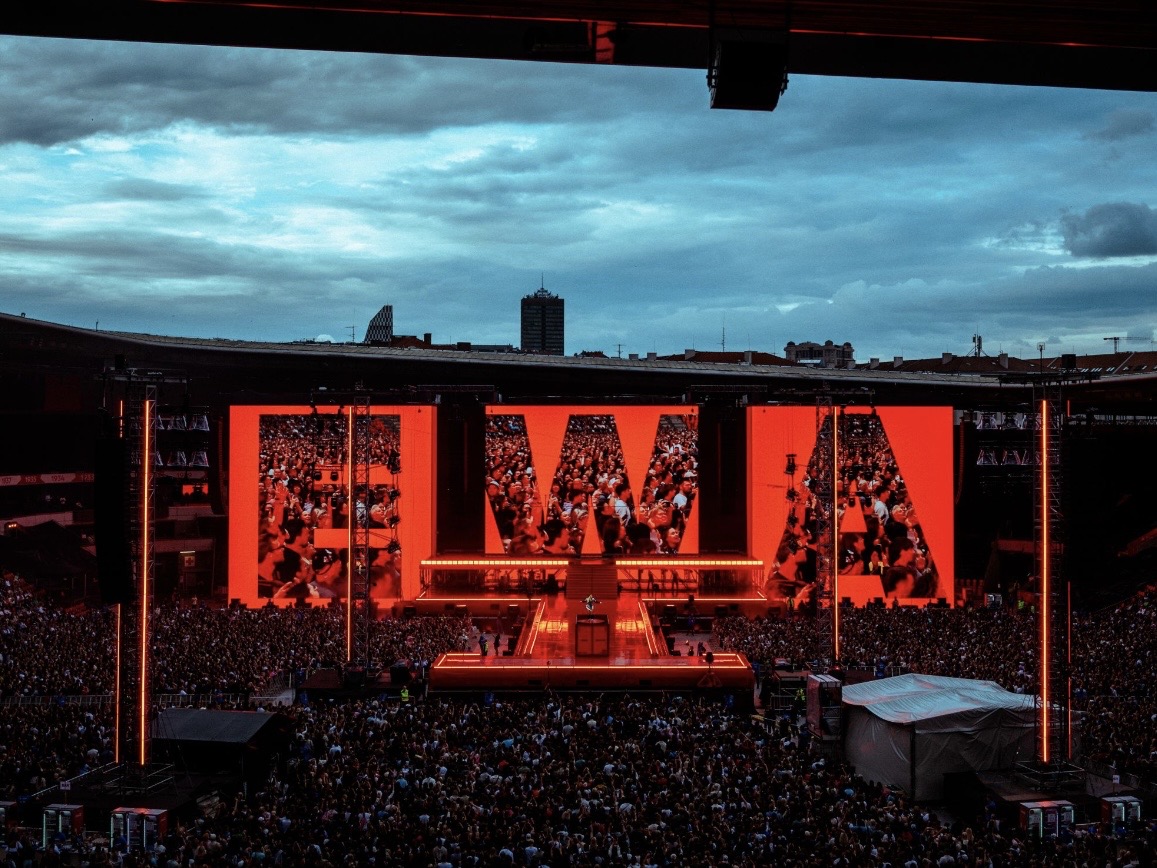
For this requirement our range covers it directly: the RH-PRO fine-pitch COB (flagship, full redundancy) and the COB CV-PRO series (Ultra-HD fine pitch).
We name the driver brand, model, and scan mode in every quotation, so you can compare quality, not just price.
Request Driver DetailsChat on WhatsApp